
Tiendanube + AsisteClick
Connect your store with a smart chatbot and improve your customers' experience
Integrate AsisteClick into your Tiendanube to answer frequent questions, automate orders and offer 24/7 self-service. Increase your sales and simplify service with an official, trusted channel.

A solution designed to sell more and serve better.
24/7 automated customer service.
Better shopping experience with self-service options.
Increased conversion rate and assisted sales.
Frictionless integration with all your digital channels.
Real-time reports and metrics to optimize your business.
Post-sale follow-up and customer feedback
Fast, hassle-free installation in your store.
From the Tiendanube app store you can install AsisteClick in minutes and start serving automatically.
Direct installation: add the app from the official Tiendanube store.
Secure connection: authorize the integration and start using it instantly.
Customizable button: choose position, color and text to adapt it to your store.
Stay informed of every step of the purchase process
Receive automatic alerts for the most important events in your Tiendanube to respond immediately.
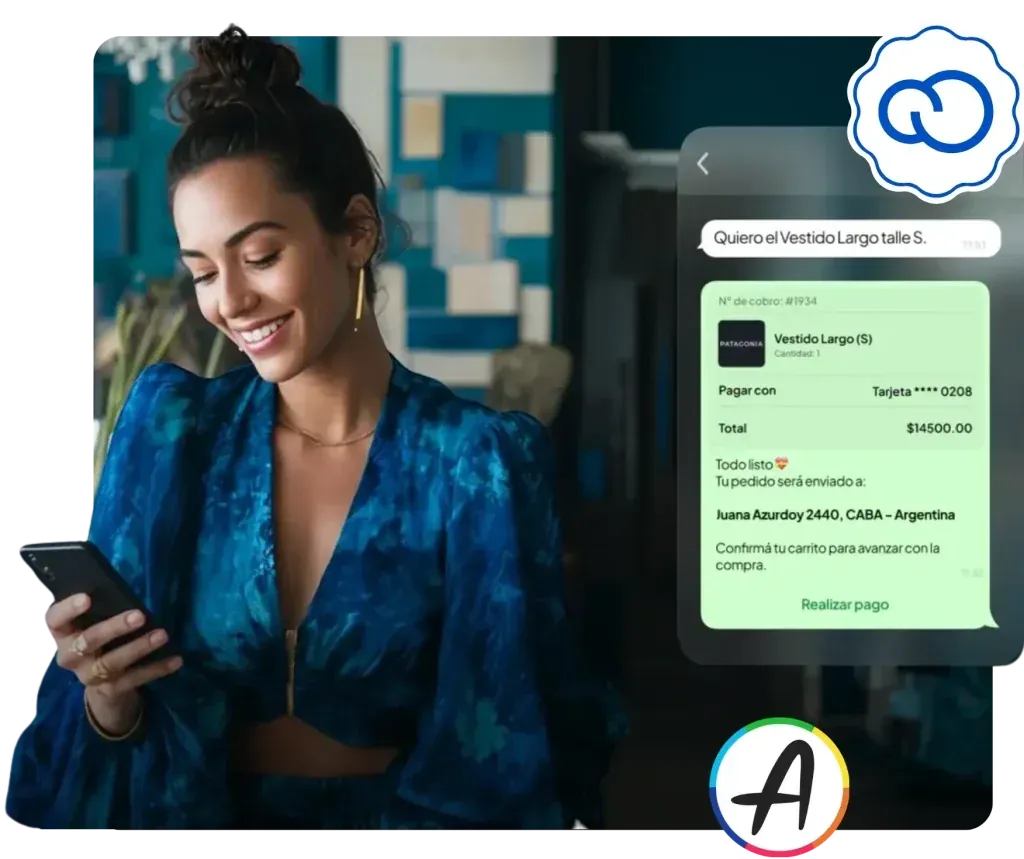
New order: receive a notification every time you have a sale.
Paid order: start preparation without delays.
Shipping and delivery: inform your customers at every stage of the process.
Cancellations: act fast and manage returns with agility.
Your customers resolve things in seconds, without waiting for an advisor
The integrated chatbot lets every customer manage their purchase easily.
Status query: view orders in real time.
Changes or cancellations: make modifications in seconds.
Shipment tracking: direct access to the tracking number.
Secure management: PIN authentication for sensitive actions.
Centralize all your channels in one place
In addition to Tiendanube, connect AsisteClick with the platforms most used by your customers.
WhatsApp Business
Facebook Messenger
Telegram
A chatbot ready to answer what your customers ask every day
The Tiendanube-integrated model includes key interactions you can clone and customize for your store.
Personalized welcome
Greet the customer with a friendly welcome and virtual assistant introduction
Service hours
Reports the days and hours when the store offers support.
Payment methods
Explains available payment methods and their conditions.
Shipping options
Details costs, coverage zones and delivery times
Stock availability
Clarifies how to check if a product is available.
Online catalog
Directs the customer to the online store to view products and prices.
Pickup points
Indicates where and how to pick up orders at branches or associated stores.
Product materials
Answers about features and quality of the items offered.
Store origin
Shares information about the brand's location and history.