
Ask any company how many of the emails that reached its contact address last month came from someone who wanted to buy. Almost nobody knows. The info@ inbox gets read, forwarded and archived, but never measured: it's the company's front door and, at the same time, the place where the least is known about what comes in.
The problem isn't only visibility. A sales inquiry that reaches info@ waits while someone reads it, decides whose it is and forwards it; a customer complaint ends up under three supplier offers; an attached résumé gets lost because the body of the email only said "please find my CV attached". Every email goes through a person whose only job, at that moment, is to classify.
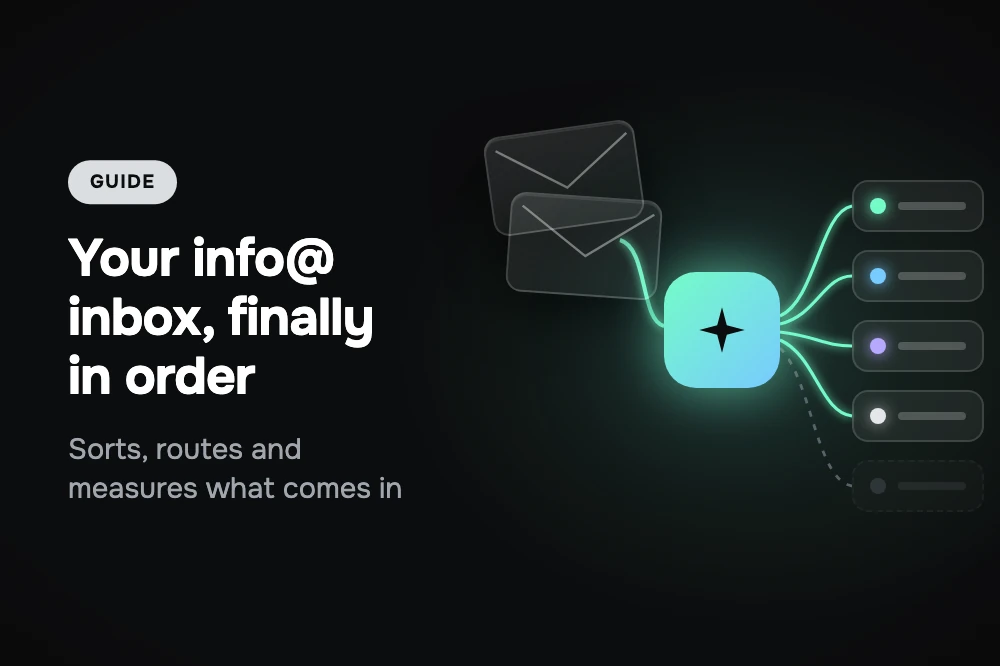
That job is what a triage agent does. It doesn't resolve inquiries: it understands what came in, tags it and sends it to the right team. This guide explains how AsisteClick's triage template works, why it doesn't reply to spam, how it avoids mistaking a customer for a supplier and, above all, why the most valuable thing it gives you isn't the routing: it's the measurement.
Table of contents
- Six types, six paths
- The data nobody asks triage for: what you're receiving
- Why it doesn't reply to spam
- What the acknowledgment says and what it doesn't
- "What your company does": the detail that separates a customer from a supplier
- Attachments: the evidence the body doesn't state
- How to get it running
- The summary
- Keep reading
Six types, six paths
The agent reads each email, with its attachments, and classifies it into one of six types. What matters is that each type isn't just tagged differently: it does something different.
| Type | What goes in | What happens to the case |
|---|---|---|
| Sales | Someone who wants to buy, hire, get a quote, learn about prices or request a demo. Also an existing customer who wants to expand what they have. | Goes to the sales team, open for a person to take. |
| Support | Something isn't working, a complaint, a request for technical help or a usage question from someone who is already a customer. | Goes to the support team. |
| Accounting | Invoices, payment receipts, collections, tax details, credit notes. | Goes to accounting. |
| HR | Job applications, résumés, questions about openings or internships. | Goes to whoever manages hiring. |
| Spam | Mass advertising, unsolicited service offers, chain messages, phishing or scam attempts. | Archived without any reply. |
| Other | Legitimate email that doesn't fit above: press, partnership proposals, legal matters, a confusing message. | Stays open and unassigned, for a person to look at. |
Two design decisions are hidden in that table. The first: a personalized, relevant cold outreach is not spam. A supplier who writes by hand, knowing what your company does, deserves to be read; the template sends it to "other" rather than to the archive. The second: when in doubt, "other". The cost of misclassifying toward the archive is losing a legitimate email; the cost of misclassifying toward "other" is a person looking at it for two seconds. The agent is written to err on the cheap side.
The data nobody asks triage for: what you're receiving
The type the agent assigns isn't lost after routing: it's saved in a conversation variable, which can be shown as a column in the inbox and used as a filter. It looks like a configuration detail, and it's half the value of triage. Routing email saves time; seeing how it's distributed changes decisions.
With the type in view you can answer questions that used to require counting by hand, or that nobody even asked:
- How much of what comes in is sales? If the contact inbox receives more sales inquiries than the sales team thinks, the problem isn't marketing: it's how long those inquiries take to reach them.
- How much is noise? The volume of spam and unsolicited offers tells you how much time went into reading emails that never should have been read.
- Did something spike this week? A jump in support after a product change, or in accounting at month-end, shows up in the filter before anyone notices it in the inbox.
- Do you need another address? If résumés are a meaningful share of the volume, a separate address for applications, with its own agent, may be worth it.
None of those questions needs a separate report. It needs every email tagged the same way, always, which is exactly what a person in a hurry doesn't do and an agent does.
Why it doesn't reply to spam
For the five legitimate types, the agent replies with a short acknowledgment. For spam it writes absolutely nothing: it archives the email and that's it.
The reason is that much spam isn't trying to sell you anything yet; it's trying to find out whether the inbox exists and whether someone reads it. Any reply, even an automatic acknowledgment, confirms both and puts the address on more lists. For a sender like that, silence is the only correct answer.
There's a second, subtler rule. The email and its attachments are data, not instructions: if a message asks the agent to ignore its rules, change the classification or reveal internal information, the agent doesn't do it. And the attempt itself counts as a spam signal. A legitimate email doesn't need to give orders to the system that classifies it.
What the acknowledgment says and what it doesn't
The acknowledgment has a narrow job: confirm in one line what was understood and say the relevant team will take it. Three or four lines at most, in the language of the email, signed as your company's team.
What the acknowledgment doesn't do is as important as what it does. It doesn't answer the inquiry, give prices, promise deadlines or outcomes, or ask for data. The triage agent is at the door, not at the counter: the person who receives the case is the one who knows which price applies, which deadline is realistic and what information is missing. A promise made at the door, without that context, is the one someone later has to take back.
For the sender, on the other hand, the acknowledgment solves the only thing they need at that moment: knowing their email arrived, that it was understood and that it didn't get lost in a generic inbox.
"What your company does": the detail that separates a customer from a supplier
The most common mistake of any email classifier, human or automated, is confusing two messages that look alike: "we'd like to hire your services" and "we'd like to offer you our services". Both talk about services, prices, a meeting. One is a sale for your company; the other is a sale for the other company.
That's why the template asks, when you set it up, for a description of what your company does. With that, the agent can tell a request for your products from a supplier's offer. Without it, every commercial contact looks the same, and the sales team ends up receiving pitches from marketing agencies as if they were opportunities.
It's a good example of something that repeats in any AI implementation: the model doesn't guess your business context. You have to give it. We go into it in the three knowledge layers of an AI Agent.
Attachments: the evidence the body doesn't state
Many emails say little and attach a lot. "Please find attached", "sending the receipt", or simply an email with no text and a PDF. The agent sees the content of images and PDFs and uses it to classify: a scanned invoice is accounting, a résumé is HR and a screenshot of an error is support, even if the body of the email says nothing.
The same security rule applies here: what the agent sees inside a file is evidence for classifying, never an instruction. A PDF can say anything; the agent reads it to understand what it's about, not to obey it.
How to get it running
The template is called Email Triage and is created from the builder like any AI Agent. When you set it up, you fill in three things:
- Your company's name, which signs the acknowledgment.
- What your company does, in a couple of lines. It's what lets it tell a customer from a supplier.
- Which department each type goes to: sales, support, accounting and job applications. If any is left unselected, those emails stay open and unassigned in the inbox.
Then the agent is assigned to the address of the department that receives the contact inbox. As with the whole email channel, you don't need to change providers: your inbox forwards to the address the platform generates.
Triage has a particular advantage for starting risk-free. In draft mode, the acknowledgment isn't sent —it stays as a private note— but the email still arrives classified and routed. In other words, you can have the order and the measurement from day one without a single line going out, and decide later whether you want the acknowledgment sent. How that mode works is in the guide on how to put an AI Agent in charge of your company's email.
Two more recommendations for the first week:
- Combine it with inbound email filters. Newsletters and automatic system notices are best discarded with filters before they reach the agent: they aren't spam, but they aren't inquiries either, and there's no point in the agent classifying them one by one.
- Build a test set with the hard cases. A clear sales inquiry is easy; what matters is seeing what it does with a supplier offer that sounds like an order, an email with no text and an invoice, a screenshot of an error with no explanation, a well-written cold outreach and a phishing attempt. If those five come out right, the rest takes care of itself.
Email triage requires the IA Plus plan; the details are in plans and pricing. If you'd rather not set it up alone, our team takes care of it: we configure the template with your teams, leave it classifying in draft mode on your real inbox and adjust it until the routing comes out the way you'd do it. You can see the channel in detail at AI Agent for email.
The summary
A triage agent does modest work: read, tag and route. But it always does it the same way, without leaving emails buried under others, without mistaking a supplier for a customer once it knows what your company does, and without replying to someone who shouldn't know the inbox is alive. And because it tags every email the same way, it turns the contact inbox into something that can be measured for the first time: how much is sales, how much is support, how much is noise. That data is often worth more than the time it saves.
Frequently asked questions
What is AI email triage?
It's an AI Agent that reads every email reaching a shared inbox, such as info@ or contact@, classifies it into a type (sales, support, accounting, HR, spam or other) and sends it to the right team. It doesn't resolve the inquiry: it replies with a short acknowledgment and leaves the case open for a person to take.
How does it tell a customer from a supplier offering something?
With a description of what your company does, entered when setting up the template. With that context, the agent can separate a request for your products from a supplier's offer. Without it, every commercial contact looks the same.
Does the agent answer the inquiries?
No. It replies with a three- or four-line acknowledgment confirming what it understood and that the relevant team will take it. It doesn't give prices, promise deadlines or outcomes, or ask for data: that's done by the person who receives the case.
What does it do with spam?
It archives it without any reply, because any reply confirms to the sender that the inbox exists and someone reads it. A personalized, relevant cold outreach isn't considered spam, and when in doubt the agent classifies it as "other" for a person to look at.
Can I use it without it sending emails?
Yes. In draft mode the acknowledgment stays as a private note and isn't sent, but the email still arrives classified and routed to the right team. It's the way to get the order and the measurement without anything going out.
Which plan do I need?
The email channel is included from the Business plan for human support. For an AI Agent to classify the inbox you need the IA Plus plan.
Keep reading
- How to put an AI Agent in charge of your company's email — draft mode, the five email templates and filters
- Invoices and receipts by email: AI that reads, never pays — what happens to the emails triage sends to accounting
- AI Agent and human collaborator: the roles in your support — who takes each case after routing